DVBT Televizor
DVBT/FM/DAB player for Android
Software Requirements
- DVB-T Driver from Google Play
- RTL SDR driver from Google Play
Hardware Requirements
- Compatible TV USB DVBT/DVBT2/RTL SDR tuner for Android

Key Features
- Free, no ads
- DVBT/DVBT2
- FM mono/stereo
- DAB/DAB+
- Works completely offline (no internet connection required)
- Supports external keyboards and remote controls mapped as keyboards (USB, Bluetooth)
- Recording capabilities to internal and external storage
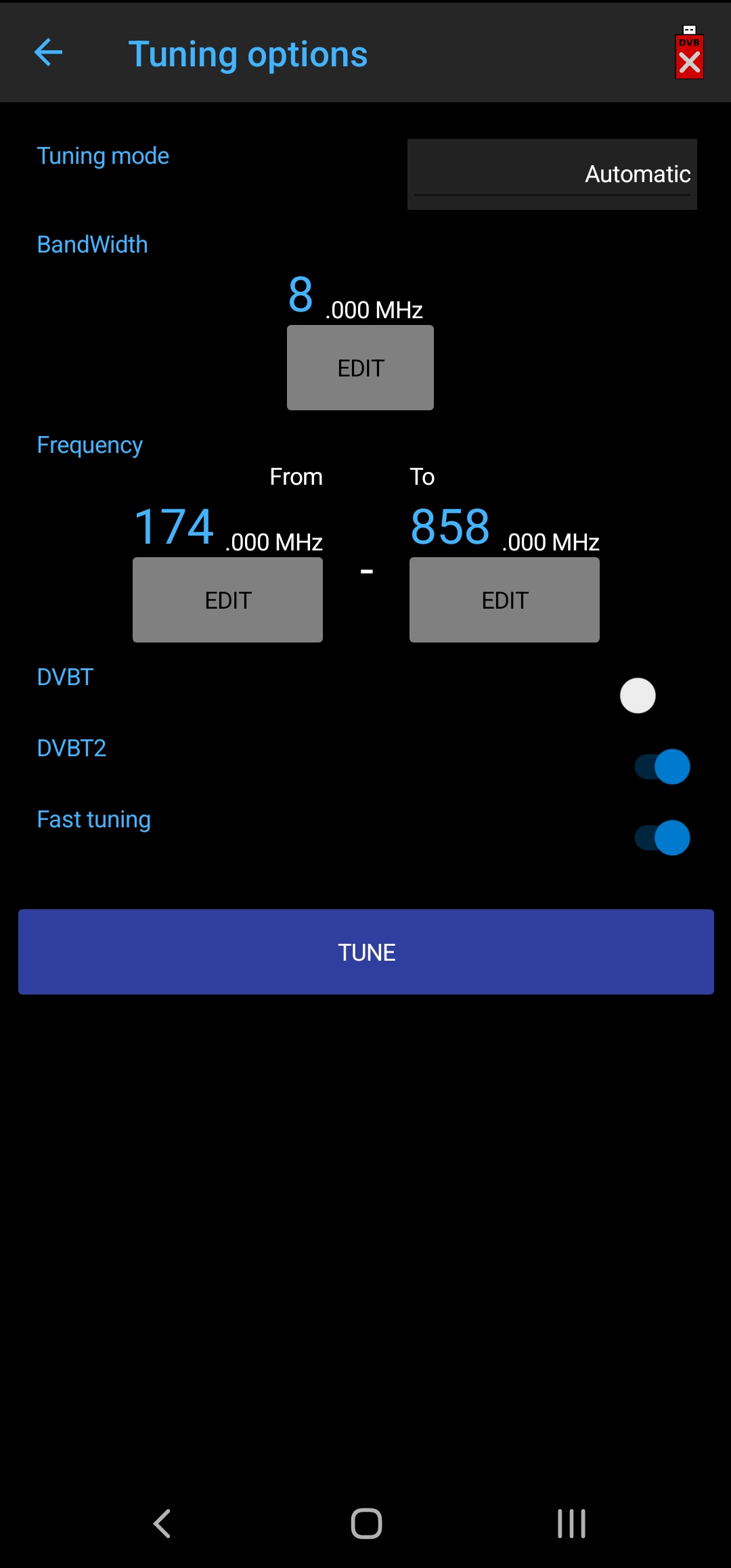
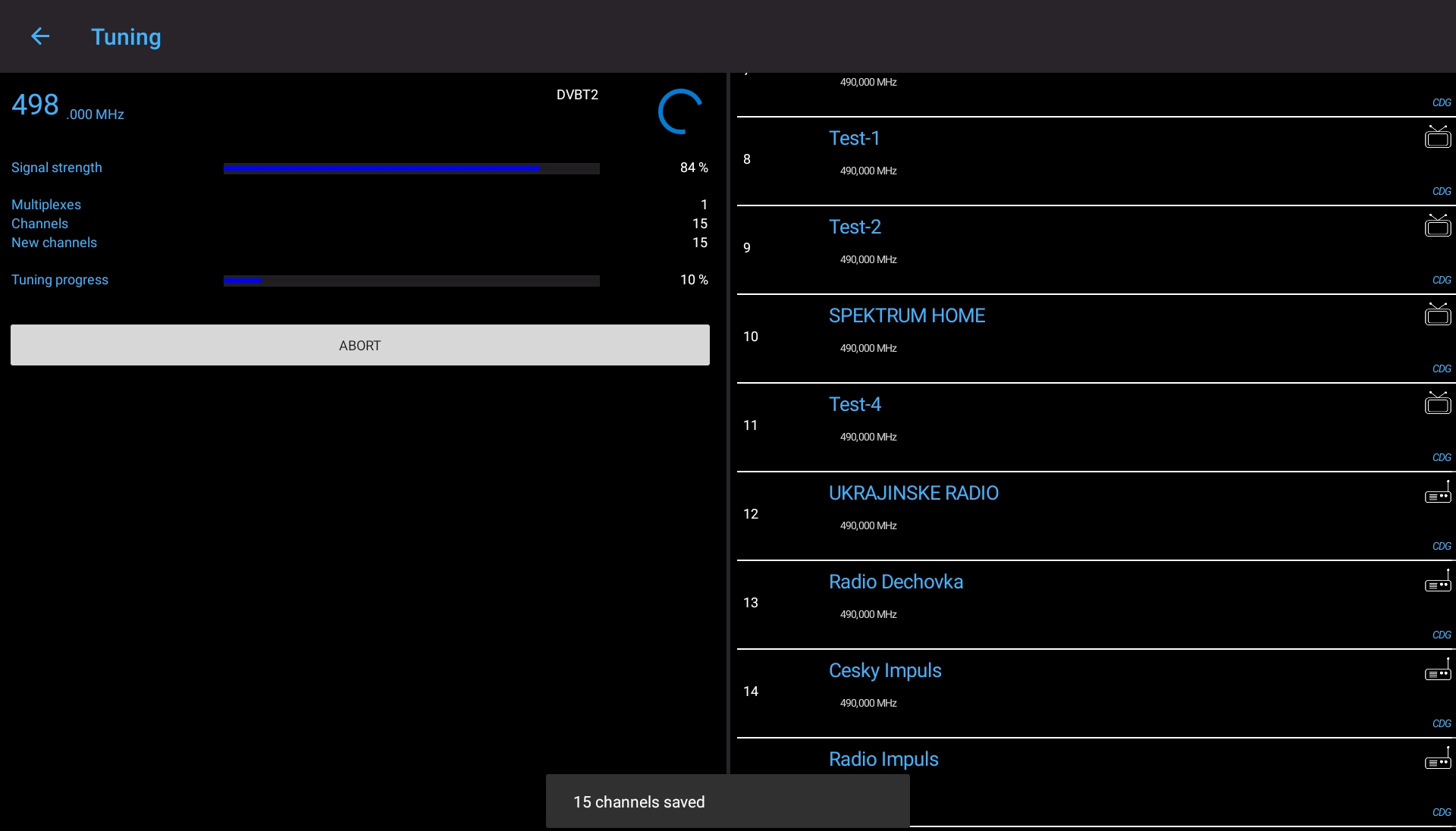
- Automatic and manual tuning
- Export and import tuned channel configurations
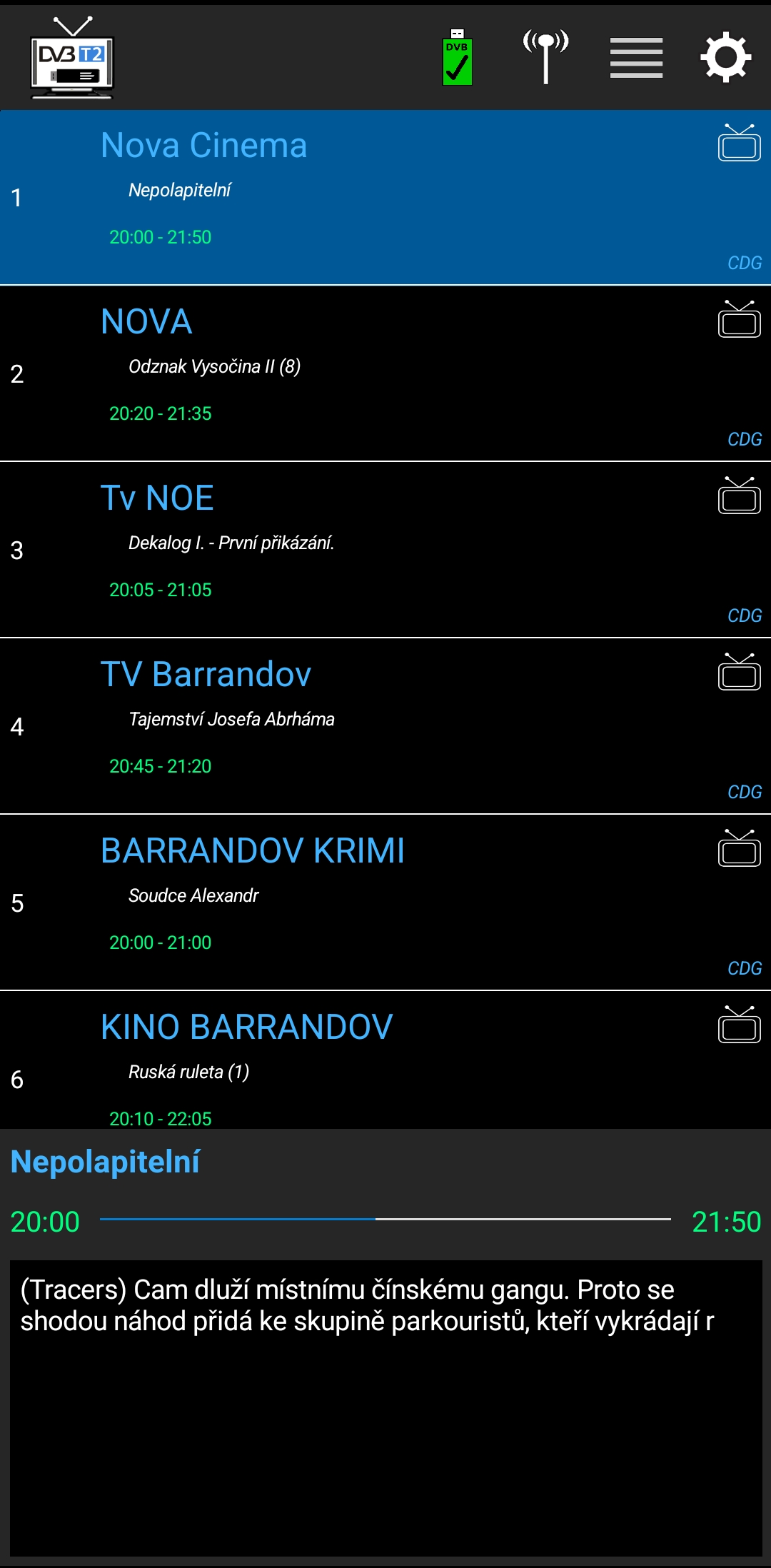
- Electronic DVBT Program Guide (EPG) showing current and next schedules
- Option to enlarge font sizes (ideal for tablets and Android TVs)
- Android 5.0 and higher supported on multiple architectures: armeabi, armeabi-v7a, x86, x86_64, arm64-v8a
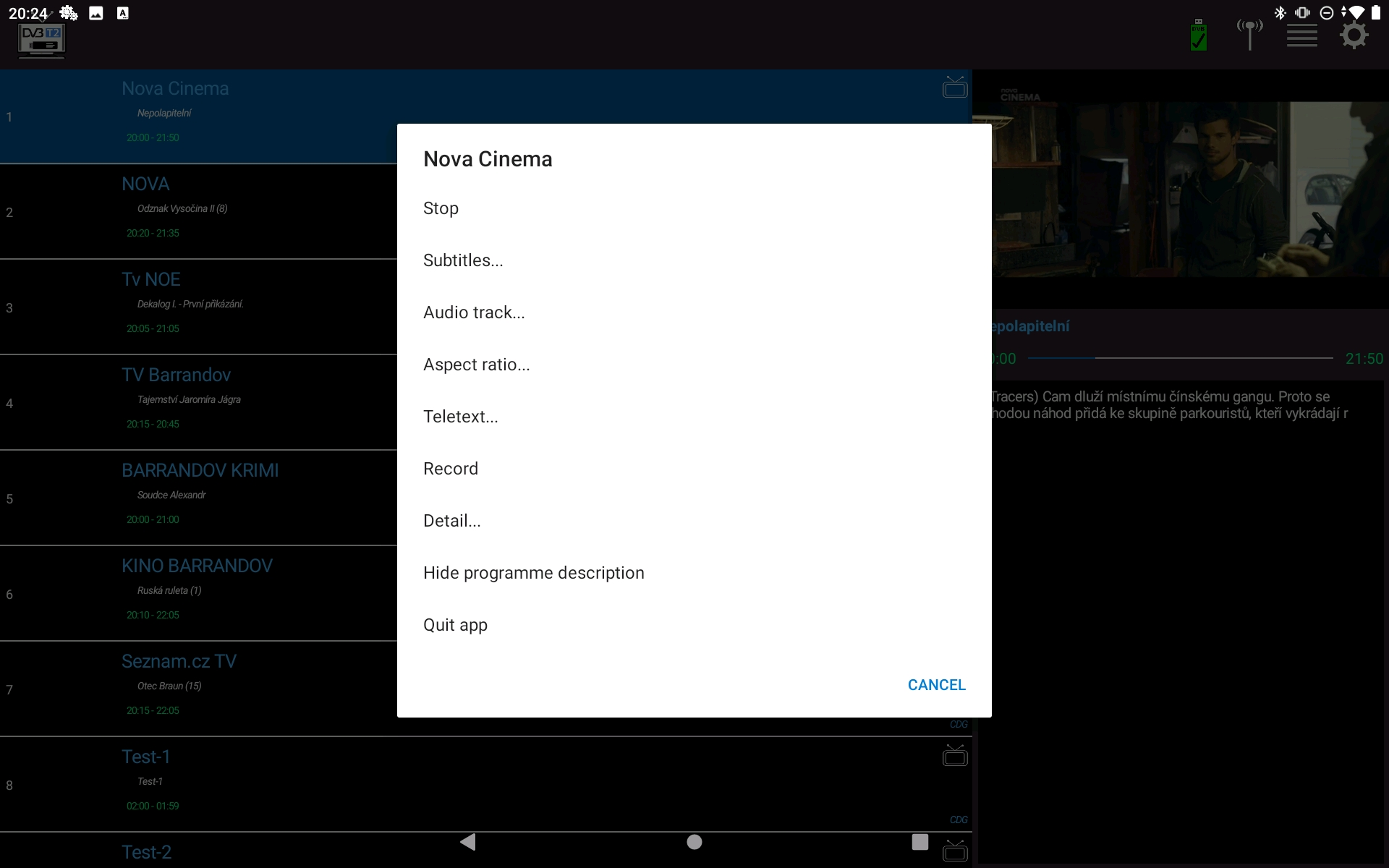
- Audio tracks switching
- DVB subtitles support
- Teletext support
- Remote access from other devices via Remote Televizor
AI Translation
Locally translated by AI into 18 languages:
- Arabic
- Azerbaijani
- Bengali
- Czech
- French
- German
- Greek
- Hindi
- Indonesian
- Italian
- Japanese
- Mandarin Chinese
- Polish
- Portuguese
- Spanish
- Ukrainian
- Urdu
- Vietnamese
- Russian
Screenshots




Supported Keys / Controls
| Action Description | Assigned Hardware Keys |
|---|---|
| Next / Previous Channel Application navigation |
Arrows Down/Up, Button R1/L1, W/S, NumPad2/NumPad8 Arrows Left/Right, PageUp/PageDown, A/D, B/F, F2/F3, NumPad4/NumPad6 |
| Jump 10 Channels | PageUp / PageDown |
| First / Last Channel | Home / End |
| Play Previous Channel | Left, 0 (while playing) |
| Show Program Information | Right (while playing) |
| Play / Select OK | Enter, Space, R2, NumPad5, Button A, Button Start, CapsLock, Comma, Semicolon, Grave (`) |
| Stop / Return Back | Esc, F4, Delete, Button X, Button B |
| Menu / Information Hub | I, G, NumPad+, Tab, F1, F6, F7, F8, Button L2 |
| Direct Channel Entry | Numbers 0 through 9 |
| Teletext Page Selector | 0xxx (where xxx is page number from 100 to 999) |
| Refresh Tuner / View | F5, NumPad 0, Left CTRL |
Video Touch Gestures
| Gesture | Outcome |
|---|---|
| Swipe Left | Stop Video |
| Swipe Right | Stop Video or Preview mode |
| Swipe Up / Down | Play previous or next channel |
| Single Tap | Open overlay menu |
| Double Tap | Toggle fullscreen mode / preview mode |
Info Panel Gestures
| Gesture | Outcome |
|---|---|
| Swipe Right / Down | Dismiss program schedule description |